
Your students live in 2026.
The simulations you use are stuck in 2010.
No more projecting childish animations and handing out paper worksheets that end up in the trash. We’ve built the environment where the interactive simulation and the lab notebook finally live on the exact same screen. Zero friction for them to experiment, total control for you to breathe.
Start using simulations in my classroomLet’s be clear. We are not a catalog of cartoons. See the difference:
| What you need in class | AulaQuest | PhET | Others |
|---|---|---|---|
| Modern Scientific Simulations | |||
| EMBEDDED Labs & Activities | |||
| Simulation Editing (Presets) | |||
| Collaborative Notebook (Real-Time) | |||
| Live Radar & Help Chat | |||
| AulaShare (Teacher Community) |

"I used to dread using simulations. I’d either project them on the board and end up doing all the work myself, or I’d let them loose on their Chromebooks and within five minutes they were just clicking around to see what exploded. With AulaQuest, I locked down the buttons they didn’t need and actually got them measuring. While they worked on their graphs in pairs, I could see from my desk exactly who was making progress and who was stuck. Finally, the computer stopped being a shiny toy and became a real classroom laboratory."
The simulation is the star.
We just remove the roadblocks.
If the physics works, the class works. We've automated the parts you hate (chasing down students, grading endless calculations) so they can spend the entire period actually experimenting.
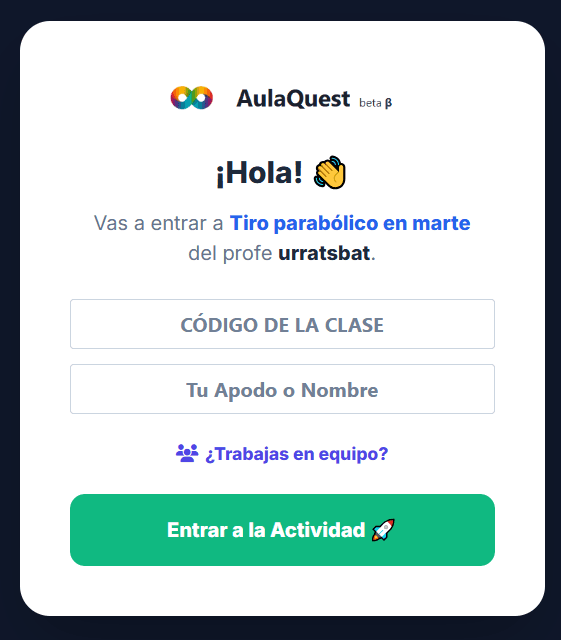
Project instantly or
create private labs.
With Aulaquest, you decide how to run your classroom:
🚀 Direct use: Open the catalog, project the simulation on the Smartboard for direct instruction, or share the link for open exploration.
🔒 Private environment: Assign the simulation to a Lab or Activity you've created. The system will generate a unique PIN code for your class.
No more "Teacher, I forgot my password." They just enter your PIN, pick a nickname, and get to work. If they continue at home, they use the same nickname and pick up exactly where they left off.
You don't do IT support. You teach science.
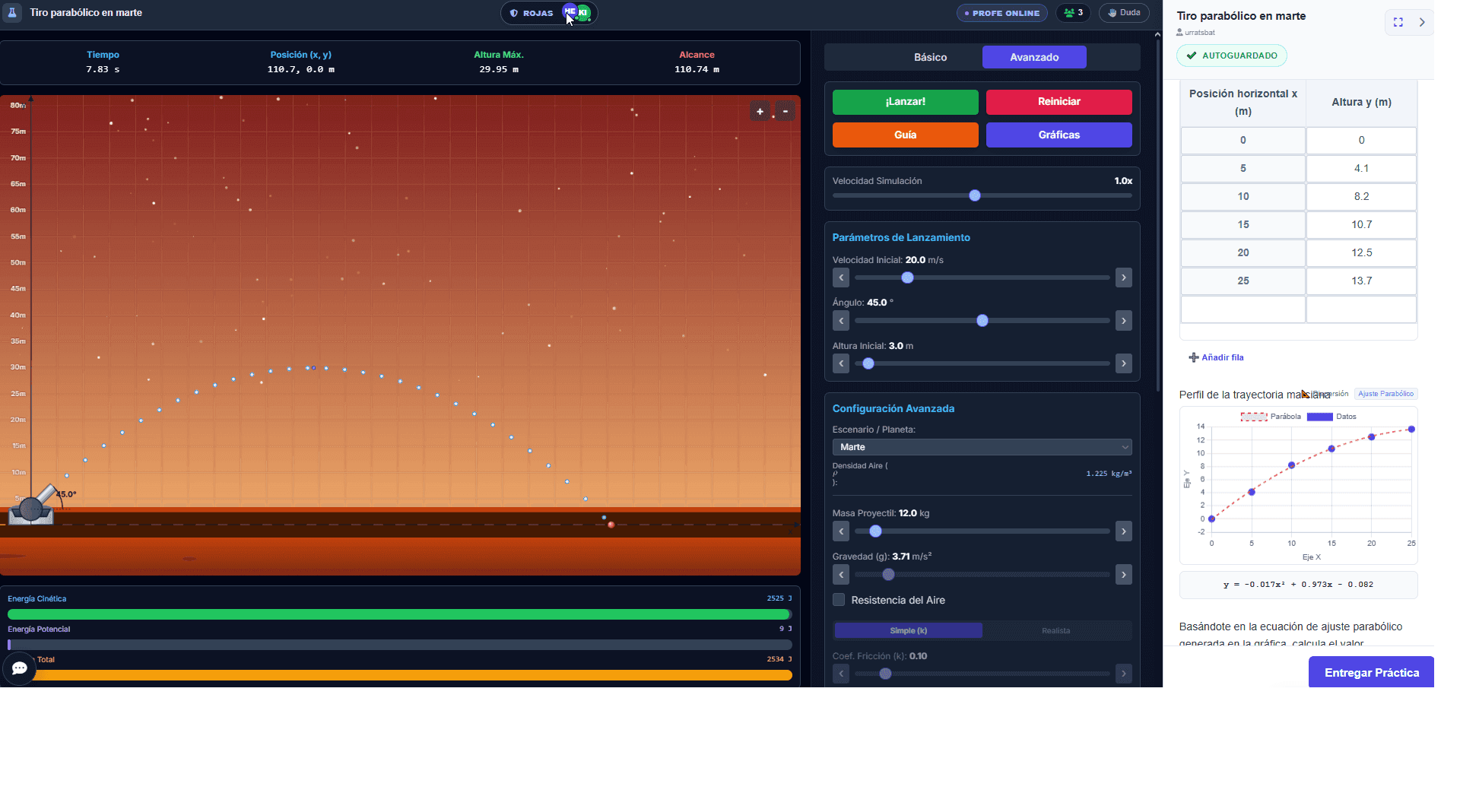
The end of the photocopied lab manual.
The lab lives in the browser.
Student focus shatters every time they have to switch between an interactive simulation and a boring text document.
In Aulaquest, we've merged experimentation and analysis. On the left, they manipulate the physical system. On the right, their interactive notebook: they fill out data tables that instantly generate graphs, write complex formulas, and upload screenshots.
Create authentic scientific lab experiences without your students ever leaving the window.
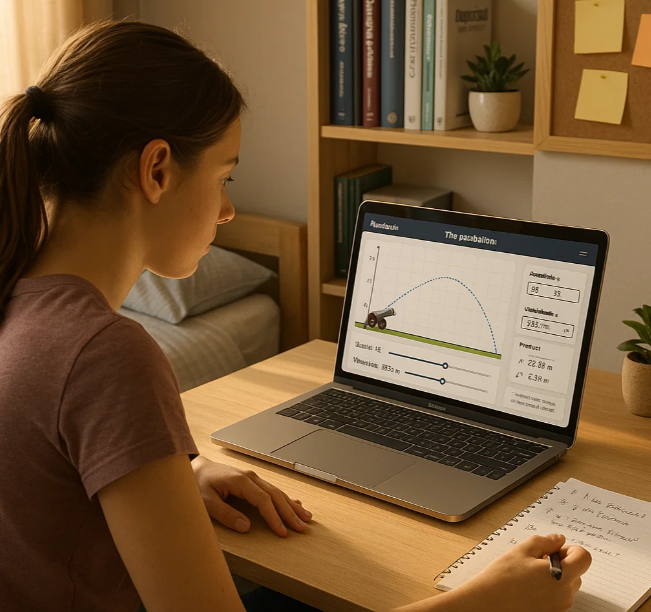
They experiment in teams.
You monitor in God Mode.
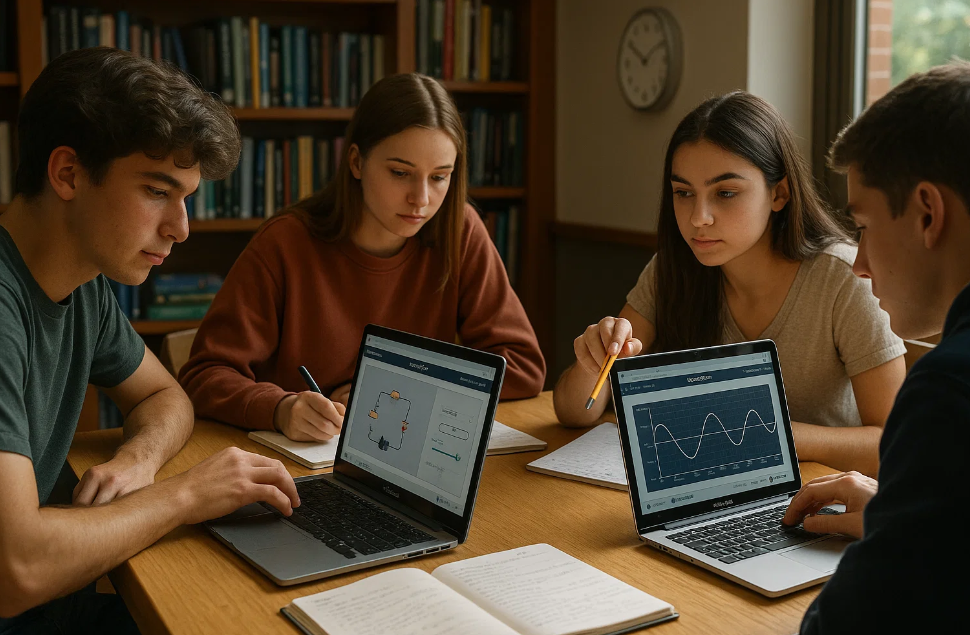
Aulaquest activities and labs can be done individually or in collaborative mode.
Setting up a group takes seconds. In collaborative mode, two or more students work inside the same activity in real-time: if one tweaks a graph, writes a hypothesis, or fills a table, their teammates see it appear instantly on their screens.
Meanwhile, you open the Live Radar. You can see if Team 3 is accurately measuring gravity or just playing with the laser.
Are they stuck? They hit the help button, your radar pings, and you guide them via private chat.
The dashboard every
science teacher dreams of.
The moment a student finishes an activity, their progress magically appears in your Gradebook. Forget chasing down papers or digging through emails.
If you assigned a quick Activity, Aulaquest auto-grades it. You just pull up your analytics to see the class average and instantly spot which concepts you need to review on the board tomorrow.
If you assigned a full Lab, you'll get a clean view to evaluate actual scientific work: their data tables, their graphs, and their conclusions.
When you're done, export the grades to a CSV or your favorite LMS (Google Classroom, Canvas, Moodle...) with a single click.
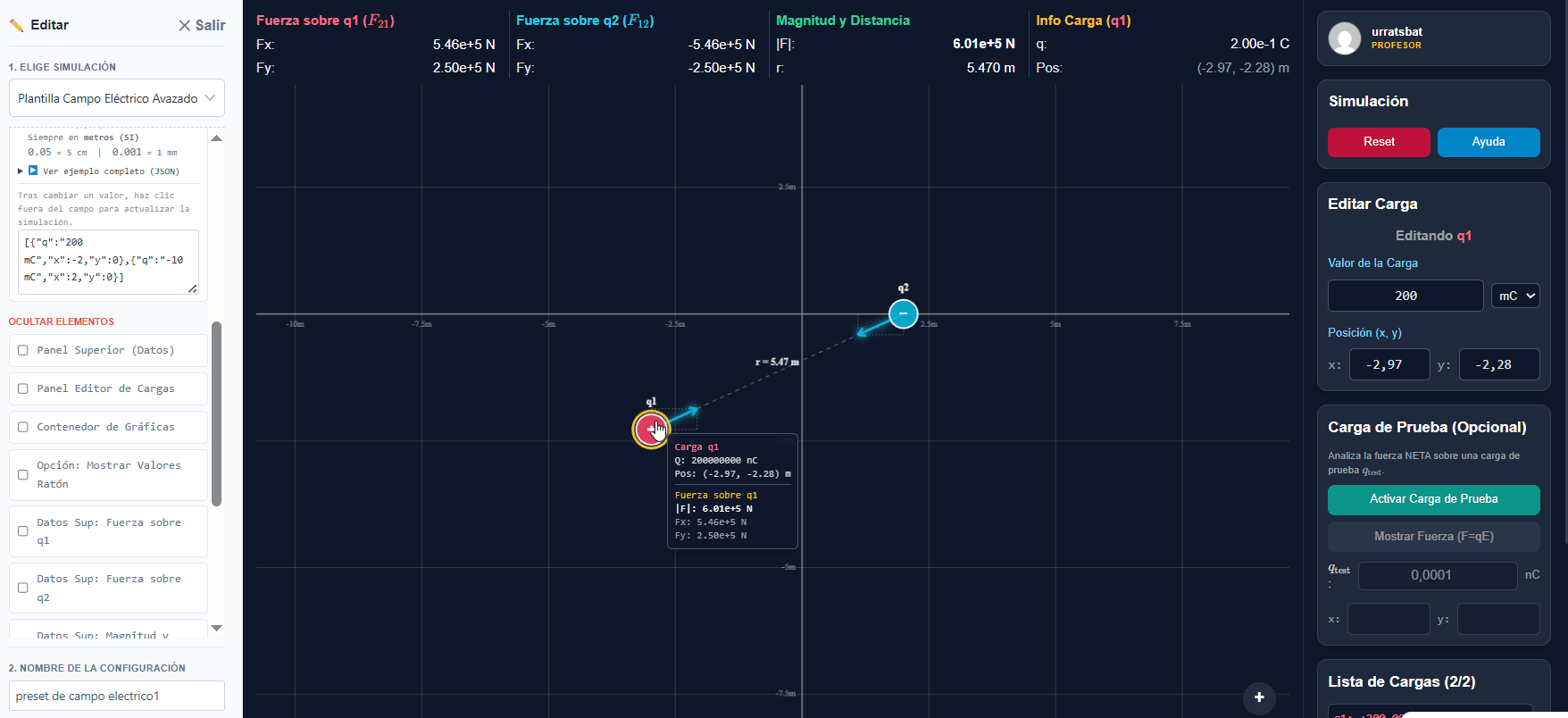
"Teacher, which button do I click?"
(The last time you'll ever hear this).
If you drop a link to a complex, generic simulator, they'll spend the first 15 minutes clicking everything just to see if it explodes.
With Aulaquest Studio, you stop sending generic links; you create your own immersive lab app in 3 clicks, zero coding required:
From your teacher dashboard under "presets", pick a simulation to customize:
- 👁️ Visual Editing: Set initial values and use the Magic Eye to hide advanced panels or graphs they don't need today.
- 👑 Your Brand: Add your school's logo, rename the lab, and embed your own notes and instructions right into the UI.
- 🚀 Immersive Mode: Zero distractions. Students enter full-screen mode (on PC, Chromebook, or mobile), and when they're done, you can add a button to send them straight back to your Google Classroom or Canvas.
They only see your exact version of the simulator. Ready to work from minute one.
You decide how to teach.
You have total control.
Aulaquest is the world's first scientific LMS that uses interactive simulations not just to illustrate, but to assess and interact. Use it at your own pace across 3 levels:
Free Play
Open the standard catalog and project the simulation on the board for instant direct instruction. Zero friction, no sign-ups required.
Customize
Set the initial variables of a simulation (create a Preset) and send that exact environment to your students to explore.
Assess & Integrate
Take any simulation or preset and attach it to a Lab or Activity. The simulator and the lab notebook live side-by-side on the same screen for real-time assessment.
The dashboard you always wished you had.
Letting students play with open simulations is great. But creating an account is taking ultimate control.
Turn these visual tools into a rigorous, automated, and real assessment system. Aulaquest isn't just a science repository; it's a revolution in how you teach. You have to experience it from the inside.
- Unlimited Creation: Build labs with data tables, questions, and graphs anchored to any simulation.
- AulaShare Community: Don't start from scratch. Copy, adapt, and use labs already created by other science teachers.
- Live Support: Answer your students' questions live from your radar without breaking the classroom's focus.
Logical questions before you jump in
The simulations are free.
You can use them in class, project them, and let your students experiment without paying a dime.
Plus, you get a free teacher plan that lets you test out the premium features: create activities, build labs, use the Gradebook, and monitor how your students work.
If you love it and want to use it with your classes continuously, you can upgrade to a (very affordable) subscription. But you can test everything out first, no strings attached.
No.
No emails, no passwords. You generate a Class PIN and you're good to go.
The student logs in, types their name or nickname, and starts working right away.
If it's a team activity, they just add their group name too.
Example:
Peter F · PIN: HVN-KJL · Team: Falcons
The system tracks progress using:
The Class PIN + the student's name
(and the team name only if they are working in a group).
If they start a lab in class and want to finish it for homework, they just enter the exact same info. The system automatically pulls up their work right where they left off.
It's incredibly easy.
Every Activity or Lab is tied to a simulation or a preset (the specific simulation settings you configured).
When you save it, AulaQuest generates a unique URL.
Just share that link with your class (via Google Classroom, Canvas, email, etc.).
When they open it, your students jump directly into the simulation with the activity ready to go just by entering the PIN and their name.
In your Gradebook.
There, you can see the work of each student or group, review their answers, and have all grades automatically organized.
And if you want, you can easily export them to Google Classroom or whatever SIS/LMS your district uses.
Yes.
AulaQuest is a modern web platform. There's nothing to install or download.
If the device has a web browser (Chromebook, iPad, laptop, or phone), it works seamlessly.
Yes. We take privacy to the extreme.
We are hosted in Europe and strictly comply with the GDPR, one of the toughest privacy laws in the world.
More importantly, we don't collect student personal data. Since students log in using just a Class PIN and a nickname, there are no emails, no real names, and no tracking. We don't sell data and there are zero ads.
Data is solely used so you can see your students' work and grades.
Are you ready to teach, or are you just going to keep making copies?
Join the educators who stopped complaining about a lack of engagement and started mastering physics and chemistry with tools built for this decade.